

Release date : January 29, 2026
Genre : Action / RPG
Developer : Bandai Namco Studios Inc.
Publisher : Bandai Namco Entertainment Inc.
Store Page : Steam
Interface language : Russian*, English, MULTi12
Voice language : English*, Japanese
Version : Build 22261587
Publication type : pirate
Tablet : See "Game Launch" spoiler
*in the path CodeVein2\Binaries\Win64\coldclient\steam_settings in the file configs.user.ini, change language=english to language=russian and save the file after changing
Minimum system requirements :
- A 64-bit processor and operating system are required.
- OS: Windows 10
- Processor: Intel Core i5-9600K / AMD Ryzen 5 3600
- RAM: 16 GB
- Video card: Nvidia GeForce GTX 1660 Super / AMD Radeon RX 5700 / Intel Arc B570, DirectX 12
- Disk space (SSD): 63 GB
Description :
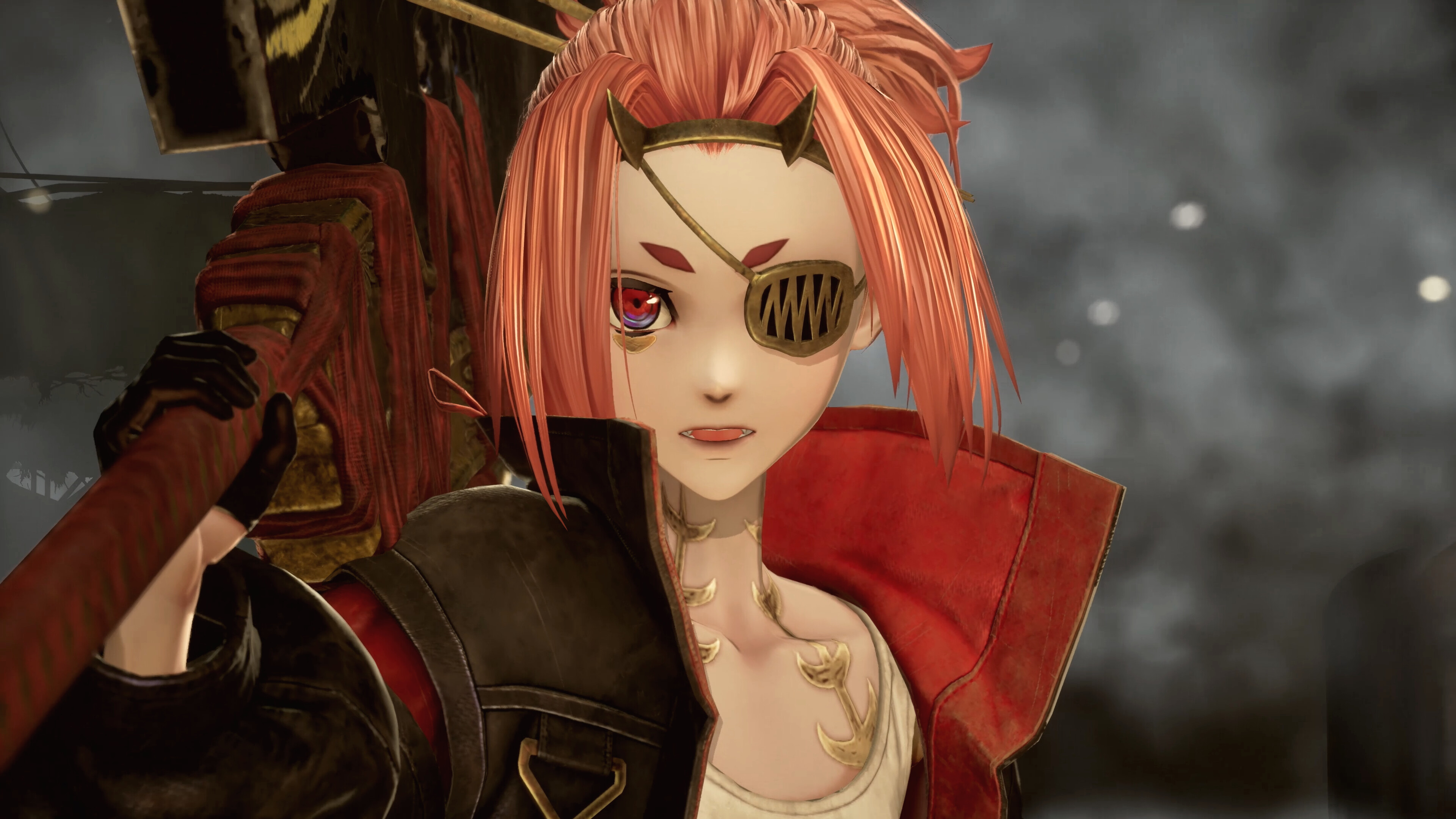
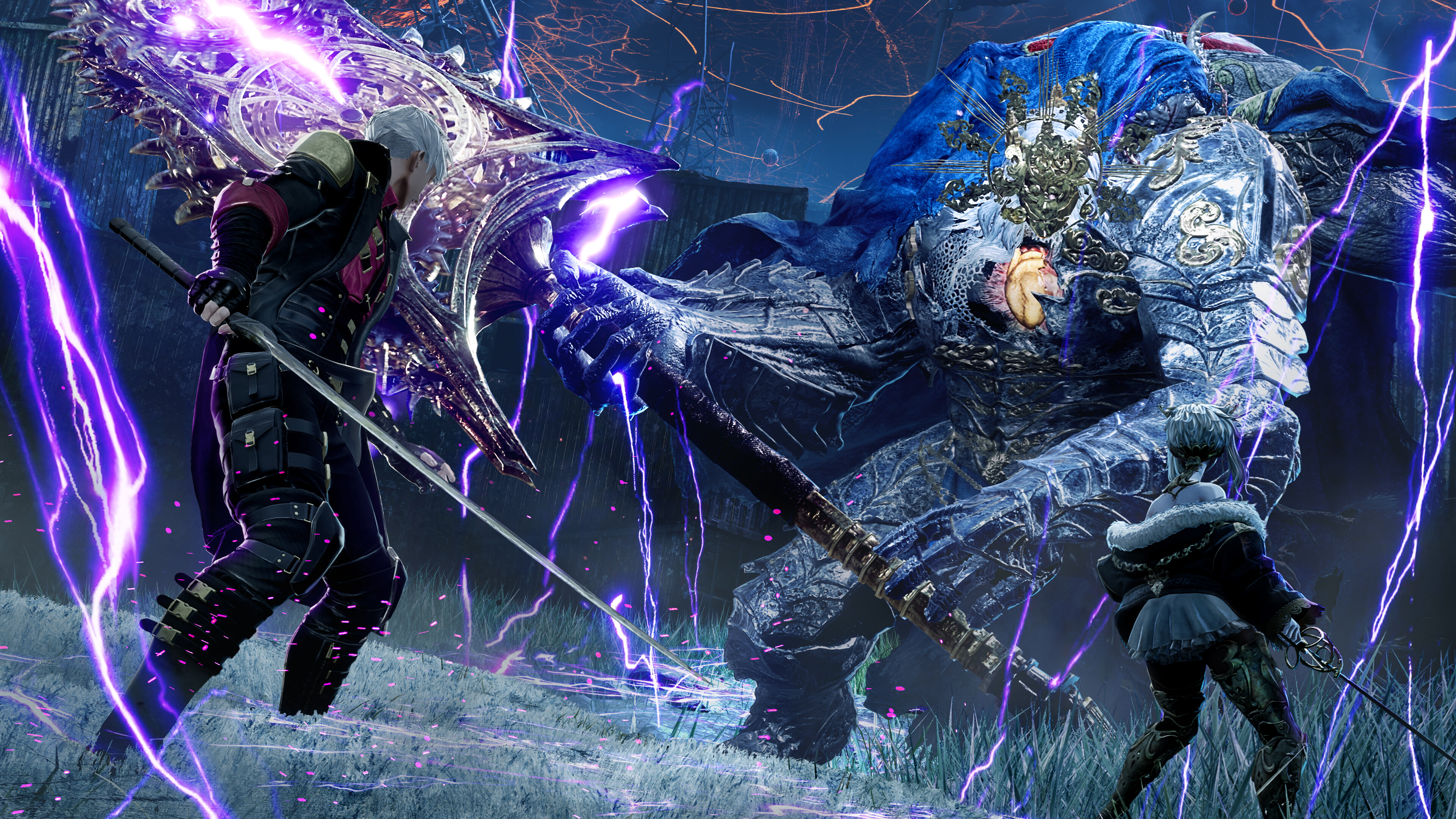
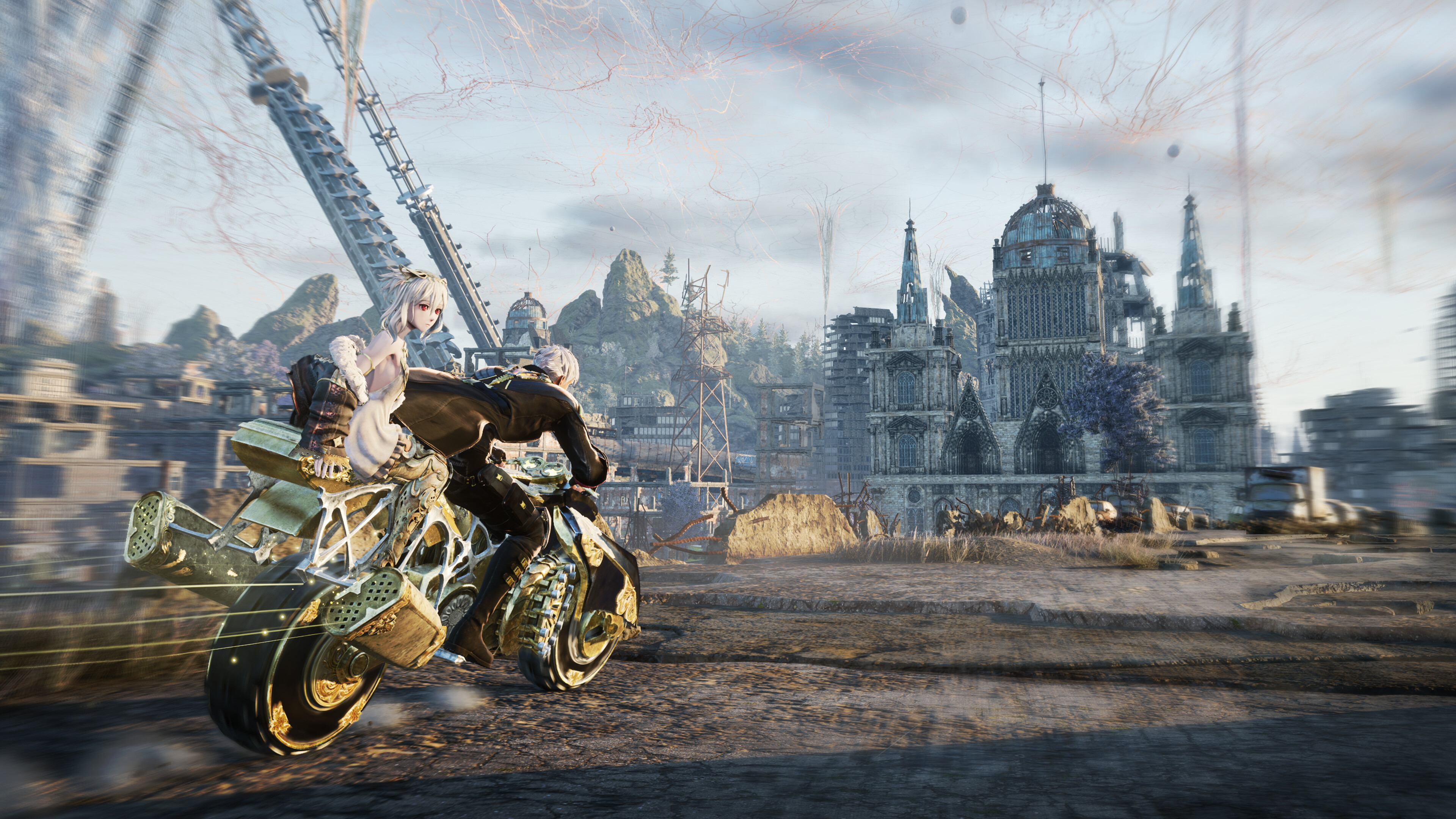
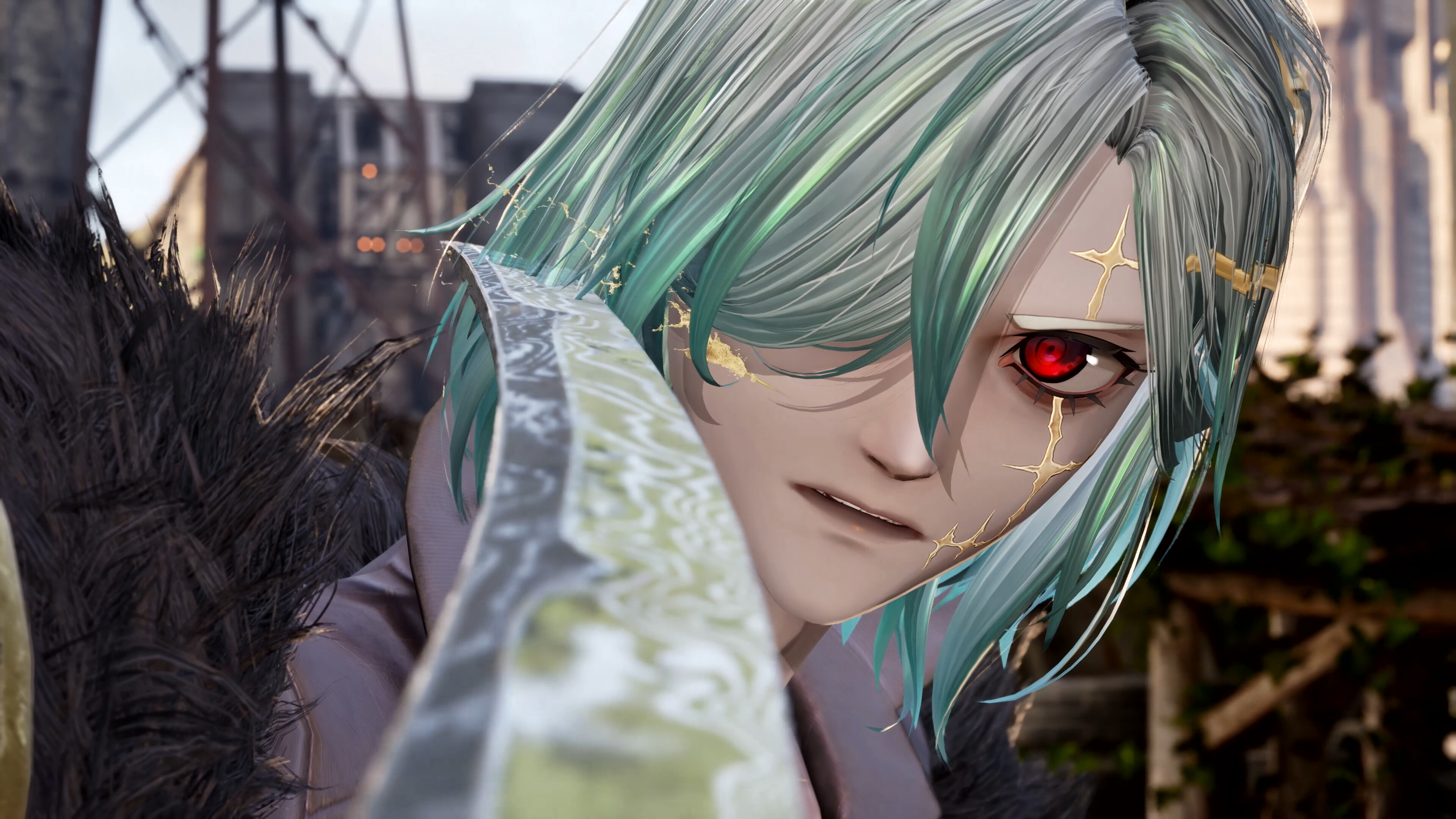
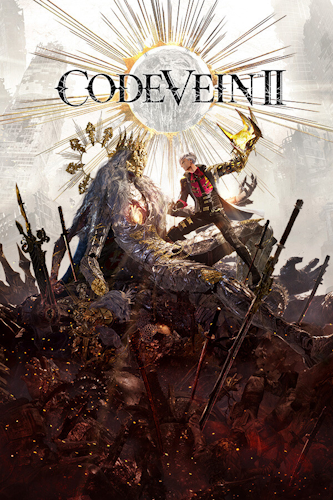
An epic adventure awaits! Gather allies, journey through a post-apocalyptic world, battle powerful enemies, and experience a timeless story.
1. Download to a convenient location (the main thing is that the path to the game folder does not contain Cyrillic characters)
2. Download the CODE.VEIN.II-DenuvOwO.rar archive ( #1 | #2 )
— VBS.cmd v1.4 from 03/26/26 https://krakenfiles.com/view/4H2MBCVgfG/file.html (you can use it instead of what's in the archive)
 WARNING: There are ads on the sites where the ^ file is located, be careful what you download
3. Read the instructions and launch the game.
Copy the contents of the " DenuvOwO " folder to the game folder.
Releases with a hypervisor require disabling certain security features.
To prepare the system for hypervisor operation, run VBS.cmd as administrator.
(When you press F7 and the menu appears in front of you, you need to disable driver signature verification)
Before continuing, carefully read the displayed information.
After you finish playing, it is strongly recommended to revert the changes.
The hypervisor driver source code is located in the DenuvOwO_SRC_V3.zip archive .
This archive is intended for advanced users—you don't need to open or copy it.
Run the game via steamclient_loader_x64.exe as an administrator.
(Disable AutoLoadHV in DenuvOwO.ini if you want to load the hypervisor manually.)
If AutoLoadHV is enabled , the hypervisor will load automatically—this requires administrator privileges, and unloading occurs via watchdog.exe .
If AutoLoadHV is disabled, you won't need to run the game with administrator privileges.
In this case, you need to create and manage the driver service as shown in the example.
This information is intended for advanced users.
The driver files mentioned are located in the DenuvOwO\CodeVein2\Binaries\Win64 folder . Please specify your path.
Use the following commands in a command prompt with administrator rights:
sc create SimpleSvm type= kernel binPath= "C:\Users\Test\Desktop\SVM\SimpleSvm.sys" (< here is your path to the driver file)
sc start SimpleSvm
sc stop SimpleSvm [after exiting the game]
sc delete SimpleSvm
The driver file name for Intel is hyperkd.sys . There should be other files nearby, hyperdbg .
The names of these files begin with " hyper ."
If you have BitLocker enabled , keep your recovery key handy—you might need it.
The same goes for Windows Hello - make sure you have a regular way to sign in.

Bu yöntem, Denuvo gibi DRM kullanan yeni oyunları çalıştırmanıza olanak tanır, ancak işletim sistemi ayarlarınızda önemli değişiklikler gerektirir. Bu genellikle, sadece indirip çalıştırmaktan ziyade, sanallaştırma/önyükleme modlarını ve bileşenlerin çalışmasını etkileyen sistem ayarlarını değiştirmek anlamına gelir. Bazı Windows güvenlik sistemlerini ve sürücü dijital imza doğrulamasını devre dışı bırakmanız gerekecektir. Bu da sistemi daha savunmasız hale getirir. Bilgisayarınızın güvenliğinde önemli bir azalmaya yol açabilir.
Oyunları indirip kurmak sizlerin sorumluluğundadır.
İndirme Bağlantısını Görebilmek İçin Üye Olmalısın..!!!
Rar Şifresi: www.full-oyun.com
Genre : Action / RPG
Developer : Bandai Namco Studios Inc.
Publisher : Bandai Namco Entertainment Inc.
Store Page : Steam
Interface language : Russian*, English, MULTi12
Voice language : English*, Japanese
Version : Build 22261587
Publication type : pirate
Tablet : See "Game Launch" spoiler
*in the path CodeVein2\Binaries\Win64\coldclient\steam_settings in the file configs.user.ini, change language=english to language=russian and save the file after changing
Minimum system requirements :
- A 64-bit processor and operating system are required.
- OS: Windows 10
- Processor: Intel Core i5-9600K / AMD Ryzen 5 3600
- RAM: 16 GB
- Video card: Nvidia GeForce GTX 1660 Super / AMD Radeon RX 5700 / Intel Arc B570, DirectX 12
- Disk space (SSD): 63 GB
Description :
An epic adventure awaits! Gather allies, journey through a post-apocalyptic world, battle powerful enemies, and experience a timeless story.
Kod:
Additions
CODE VEIN II - Custom Outfit Pack
CODE VEIN II - CODE VEIN Character Costume Set
CODE VEIN II - Stylized Forma Set
CODE VEIN II - Deluxe Upgrade Pack
CODE VEIN II - Ultimate Upgrade Pack
1. Download to a convenient location (the main thing is that the path to the game folder does not contain Cyrillic characters)
2. Download the CODE.VEIN.II-DenuvOwO.rar archive ( #1 | #2 )
— VBS.cmd v1.4 from 03/26/26 https://krakenfiles.com/view/4H2MBCVgfG/file.html (you can use it instead of what's in the archive)
WARNING: There are ads on the sites where the ^ file is located, be careful what you download3. Read the instructions and launch the game.
Copy the contents of the " DenuvOwO " folder to the game folder.
Releases with a hypervisor require disabling certain security features.
To prepare the system for hypervisor operation, run VBS.cmd as administrator.
(When you press F7 and the menu appears in front of you, you need to disable driver signature verification)
Before continuing, carefully read the displayed information.
After you finish playing, it is strongly recommended to revert the changes.
The hypervisor driver source code is located in the DenuvOwO_SRC_V3.zip archive .
This archive is intended for advanced users—you don't need to open or copy it.
Run the game via steamclient_loader_x64.exe as an administrator.
(Disable AutoLoadHV in DenuvOwO.ini if you want to load the hypervisor manually.)
If AutoLoadHV is enabled , the hypervisor will load automatically—this requires administrator privileges, and unloading occurs via watchdog.exe .
If AutoLoadHV is disabled, you won't need to run the game with administrator privileges.
In this case, you need to create and manage the driver service as shown in the example.
This information is intended for advanced users.
The driver files mentioned are located in the DenuvOwO\CodeVein2\Binaries\Win64 folder . Please specify your path.
Use the following commands in a command prompt with administrator rights:
sc create SimpleSvm type= kernel binPath= "C:\Users\Test\Desktop\SVM\SimpleSvm.sys" (< here is your path to the driver file)
sc start SimpleSvm
sc stop SimpleSvm [after exiting the game]
sc delete SimpleSvm
The driver file name for Intel is hyperkd.sys . There should be other files nearby, hyperdbg .
The names of these files begin with " hyper ."
If you have BitLocker enabled , keep your recovery key handy—you might need it.
The same goes for Windows Hello - make sure you have a regular way to sign in.
Bu yöntem, Denuvo gibi DRM kullanan yeni oyunları çalıştırmanıza olanak tanır, ancak işletim sistemi ayarlarınızda önemli değişiklikler gerektirir. Bu genellikle, sadece indirip çalıştırmaktan ziyade, sanallaştırma/önyükleme modlarını ve bileşenlerin çalışmasını etkileyen sistem ayarlarını değiştirmek anlamına gelir. Bazı Windows güvenlik sistemlerini ve sürücü dijital imza doğrulamasını devre dışı bırakmanız gerekecektir. Bu da sistemi daha savunmasız hale getirir. Bilgisayarınızın güvenliğinde önemli bir azalmaya yol açabilir.
Oyunları indirip kurmak sizlerin sorumluluğundadır.
İndirme Bağlantısını Görebilmek İçin Üye Olmalısın..!!!
Rar Şifresi: www.full-oyun.com